Is a VPN Worth It? When You Need One and When You Don't
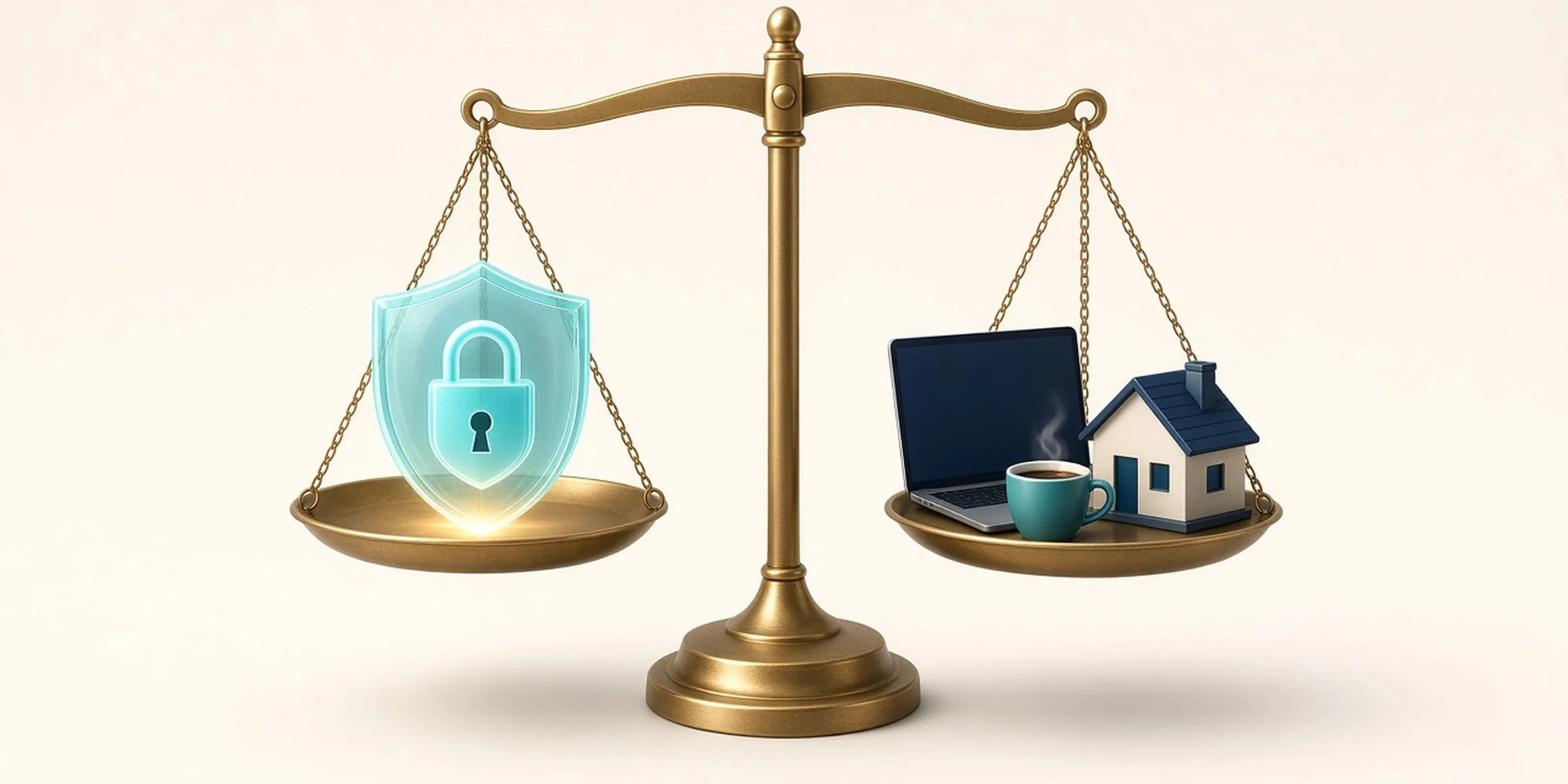
Is a VPN worth it? Yes on networks you don't trust or when you need another location. No for anonymity, ads or scams. A threat-model table, the hidden costs and which audits to check before you pay.
On this page
- Who This Guide Is For (and Who It Isn't)
- What a VPN Actually Changes
- Is a VPN Worth It? Match It to Your Situation
- When a VPN Is Worth Paying For
- When You Can Skip It
- The Costs That Aren't in the Headline
- What Makes a VPN Worth Its Price
- VPN Services Listed on TheUserOpinion
- How to Decide in Five Minutes
- Frequently Asked Questions
- The Bottom Line
A VPN is worth it when you regularly use networks you don't trust, want to hide your browsing from your internet provider or need to appear in another country for a service you're allowed to use. It isn't worth paying for if you mostly browse at home on HTTPS sites and hope it will make you anonymous, stop ads or protect you from scams. It does none of those three.
So, is a VPN worth it for you? That depends on who you're hiding from, which is why this guide starts with a threat-model table instead of a top-10 list. It's part of our guide to VPNs, proxies and antidetect browsers, and there are no affiliate links in it. Prices and audit details were checked on the vendors' own pages on November 11, 2026.
In short
A VPN moves trust from your Wi-Fi or internet provider to the VPN company. It's only worth it when you trust that company more than the network.
Most web traffic is already encrypted by HTTPS, so the old "hackers on café Wi-Fi can read everything" pitch is weaker than ads suggest.
If you do pay, pay for proof: an independent no-logs audit, a readable report and a fair refund window. Server counts don't matter much.
Skip unknown free VPN apps. Proton VPN's free plan is the safe exception.
Who This Guide Is For (and Who It Isn't)
It's for people deciding whether to spend money on a VPN: travelers, remote workers, freelancers on shared networks and anyone who's been told "you need a VPN" by a YouTube ad. It isn't for companies choosing a business VPN for remote access to internal systems. It also isn't a speed test. We didn't run hands-on speed or leak tests for this guide. Everything below comes from vendor pricing pages, audit announcements and published research, linked where it's used.
What a VPN Actually Changes
A VPN builds an encrypted tunnel from your device to a server the provider runs. The local network and your internet provider see encrypted traffic to that server. Websites see the server's IP address instead of yours.
That sounded like a must-have in 2015, when only 39% of pages loaded in Chrome on Windows used HTTPS. It's a smaller upgrade now. The same Google Transparency Report shows that in the week of November 1, 2026, 95% of pages loaded in Chrome on Windows and 99% on Android used HTTPS. On an HTTPS page, the café's router can see which site you're on but not your password, your messages or the page itself.
What the VPN adds on top of HTTPS is narrower:
It hides which sites you visit from the local network and your internet provider.
It hides your real IP address from the sites you visit.
It lets you pick an exit country.
What it doesn't change matters just as much. You're still logged in to Google, Amazon and Instagram. Cookies still follow you. Your browser fingerprint still looks like your device, which is why people who need separate browser identities use an antidetect browser, not a VPN. And the VPN company can now see everything your internet provider used to see.
In plain English: a VPN doesn't remove the watcher. It replaces one with another. The question is whether you're making a good trade.
Is a VPN Worth It? Match It to Your Situation
"Worth it" means paying for a reputable service is a sensible spend, not that it's the only fix.
Your situation | Worth it? | Why | Cheaper fix if not |
|---|---|---|---|
Hotel, airport or café Wi-Fi every week | Yes | Hides sites you visit from a network you don't control | Phone hotspot for short sessions |
Hiding browsing from your home internet provider | Yes | Your provider sees only the VPN server | Encrypted DNS hides some, not all |
Reaching a home-country service while abroad | Partly | Works for many sites; streaming services block VPN ranges | Use the service's travel rules |
Torrenting legal files on a network that throttles P2P | Yes | Hides traffic type from the network | None |
Everyday home browsing on HTTPS sites | No | HTTPS already protects the content | Keep your browser and router updated |
Being anonymous online | No | Logins, cookies and payments still identify you | Tor Browser for real anonymity needs |
Stopping ads and tracking | Partly | Changes your IP, not cookies or logins | A tracker-blocking browser or extension |
Avoiding scams and phishing | No | A fake login page works the same through a VPN | A password manager and two-factor sign-in |
If your reason sits in the home browsing or anonymity row, keep the subscription fee.
When a VPN Is Worth Paying For
You often work on networks you don't control. HTTPS protects what's on the page, but the network still sees which sites you visit through DNS lookups and connection details. On a hotel network, that's a stranger's router logging your evening. A VPN closes that gap in one tap.
You don't want your internet provider building a browsing history. Providers can see the domains you visit. A VPN moves that view to a company you chose and pay. That's a good trade only if the VPN has proved it doesn't keep logs, which is the whole next section.
You travel and need your home location. Banking apps, local news and some work tools behave better from a home-country IP. The catch is streaming. Netflix's help center has a page for error E106, "You seem to be using a VPN or proxy", and says VPNs aren't supported for live events or on ad-supported plans. Buy a VPN for travel, not to unlock another country's catalog.
Best for: frequent travelers, remote workers on shared Wi-Fi and people who distrust their provider more than a Swiss or Swedish VPN company.
Not ideal for: people who browse mainly at home and want the subscription to feel like security.
When You Can Skip It
If you browse at home, stay updated and use HTTPS sites, a VPN adds little you'd notice. Your provider sees domain names, not page contents, and a VPN won't change how much Google or Meta knows about you while you're signed in.
It also brings friction. Shared VPN addresses trigger more CAPTCHAs, some banks and shops flag logins from VPN ranges and every connection takes an extra hop through another server, so speed depends on how far away that server is. None of it is a disaster. It's a cost for a benefit you may not need.
Common mistake: buying a VPN after a phishing scare. Phishing works by tricking you into typing your password into a fake page, and the tunnel will deliver that password to the fake page perfectly. A password manager that refuses to autofill on the wrong domain does more.
The Costs That Aren't in the Headline
Renewal prices. Most VPNs sell on a discounted first term. Proton VPN's pricing page is unusually clear about it: VPN Plus on the yearly plan is $2.99 a month, billed $35.88 for the first 12 months, then renews at $83.88 a year (checked November 11, 2026). It's printed right under the price, and it's the number to budget for. Mullvad is the outlier: €5 a month including VAT, whether you pay for one month or a year, and it says it never runs sales.
Trust. Your VPN can see every domain you visit, and a free one has to pay for its servers somehow. If you aren't the customer, your traffic is usually the product.
Free apps. The most cited research here is old but still blunt. A 2016 study of 283 Android VPN apps presented at the Internet Measurement Conference found that 18% tunneled traffic without encryption, 38% showed some malware presence on VirusTotal and 84% didn't route IPv6 traffic through the tunnel. The app stores have changed since 2016. The business model of "free, no account, unlimited" hasn't. A free VPN that sells your browsing data is a locked door with the key taped to it.
Before you pay: read the renewal price, not the promo price. Check the refund window and its exceptions (Mullvad's 14-day refund excludes cash payments, for example). Then find the latest no-logs audit and who can read it.
What Makes a VPN Worth Its Price
Every VPN says it keeps no logs. Here's what separates the ones worth paying for from the ones with bigger ad budgets.
Criteria that matter:
An independent, recent no-logs audit, with the auditor named and the date stated. An audit is a snapshot of how servers were set up during the audit window, not a lifetime guarantee, so recent beats old.
Who can read the report. Some are public, some sit behind a customer login and some require accepting the auditor's terms first.
Real-world tests of the claim. When Swedish police arrived at Mullvad's office with a search warrant on April 18, 2023, Mullvad says they left without any customer data because none existed. That's worth more than any badge.
A kill switch and leak protection that blocks traffic if the tunnel drops.
A refund window you can use. 14 or 30 days, with the exceptions written down.
Criteria that matter less than ads suggest:
Server and country counts. You'll use three locations. Fifty more won't change your privacy.
"Military-grade encryption." Every reputable VPN uses standard modern encryption. The phrase is marketing.
Speed test screenshots. Speed depends on your line, your distance from the server and the time of day. A vendor's own test tells you about the vendor's test.
VPN Services Listed on TheUserOpinion
We list 14 services in our VPN category. This guide covers five of them, and we haven't tested them hands-on. The table compares what each one has published about its no-logs claim.
VPN | Latest independent check | Who can read it | Best for | Not ideal for |
|---|---|---|---|---|
Cure53 server security audit, June 2024 | Public | Privacy first, no email needed | People who want a free plan or port forwarding | |
Securitum no-logs audit, fifth annual, 2026 | Public | Trying a VPN for free first | Budgets that forget the renewal price | |
Deloitte no-logs assurance, Nov 10–Dec 12, 2025 | Customers only | Buyers who want a long audit record | Anyone who wants to read the audit before paying | |
Deloitte no-logs assurance, June 2025 | Customers only | Households with many devices | Readers who want public reports | |
KPMG Type I report, as at February 28, 2025 | Public after accepting terms | People who want many published audits | Buyers who want controls tested over time |
Audit details from each vendor's own announcement: Mullvad, Proton VPN, NordVPN, Surfshark and ExpressVPN, checked November 11, 2026.
A few honest notes on each. Mullvad charges the same €5 a month, takes cash in an envelope and gives you an account number instead of asking for an email. It has no free plan, supports up to five devices and doesn't offer port forwarding. Its 2024 audit was a security test of its servers rather than a check framed around a no-logs statement, so the 2023 police visit is its strongest no-logs evidence. Proton VPN publishes every Securitum report in full and says its no-logs policy has held up in more than 400 legal cases. Its free plan covers one device and servers in 10 countries chosen for you. NordVPN has had its no-logs claim checked six times since 2018, but you need an account to read the report. Surfshark has two Deloitte reports, from 2023 and 2025, also for customers only. It says it allows unlimited devices at once, and its Starter plan was $2.49 a month, $67.23 for the first 27 months, in a Black Friday offer (checked November 11, 2026). ExpressVPN lists 28 third-party audits on its trust page, going back to 2018. Its latest KPMG report is Type I, which judges how controls were designed on one date rather than how they ran over months. We didn't record NordVPN's or ExpressVPN's prices for this guide, so read the renewal line at checkout.
None of these five has a published user review on TheUserOpinion yet (checked November 11, 2026), so there's no TrustScore to quote. If you've used one, add your review on its profile, linked in the table above. When you read VPN reviews elsewhere, watch for the red flags of fake reviews, because VPNs attract a lot of them.
Our take
If you need a VPN, pick on proof first and price second. We like Mullvad for privacy-first buyers who don't need a free plan, because its €5 flat price and public reports leave little to read between the lines. Proton VPN is our pick for anyone not sure they need one: start on the free plan and upgrade only if you hit its limits. Choose NordVPN, Surfshark or ExpressVPN if you want a bigger bundle of extras, and read the renewal price at checkout.
How to Decide in Five Minutes
Find your situation in the threat-model table. If every row that applies says No, stop here and keep the money.
If the only Yes is occasional public Wi-Fi, try Proton VPN's free plan for a month before paying anyone.
If you need more, shortlist two providers with a named, dated no-logs audit you can read or will be able to read.
Compare the renewal price and refund window, not the first-term discount.
Turn on the kill switch the day you install it, then set a calendar reminder a week before renewal.
Frequently Asked Questions
Do I Need a VPN on My Phone?
Only if your phone joins public Wi-Fi often. On mobile data, your traffic goes through your carrier, not a stranger's router, and HTTPS still protects page contents. If you mostly stay on mobile data or home Wi-Fi, a phone VPN adds little.
Will a VPN Slow Down My Internet?
Usually a little, because every request takes a detour through the VPN server. A nearby server keeps the hit small. A server on another continent makes it obvious. Test it on your own connection during the refund window.
Should I Leave My VPN On All the Time?
Leave it on when you're on networks you don't trust. At home, it's a choice. Leaving it on hides your browsing from your provider, but some banks, shops and streaming services will challenge or block you more often.
The Bottom Line
Is a VPN worth it? Yes if you're often on networks you don't control, want to keep your browsing away from your internet provider or need your home location while traveling. No if you want anonymity, fewer ads or protection from scams.
If you do buy one, buy proof: a recent, named no-logs audit, a renewal price you can live with and a refund window you'll actually use. Mullvad is the cleanest privacy pick, and Proton VPN's free plan is the smartest way to find out whether you need one at all. Before you pay, check who has read the audit report, not just who paid for the ad.
On TheUserOpinion
Tools mentioned in this guide

ExpressVPN
Premium VPN built for speed and simplicity
No reviews yet. Be the first.
Mullvad VPN
Privacy-first VPN with anonymous accounts and one flat price
No reviews yet. Be the first.
NordVPN
Fast, private VPN with built-in threat protection
No reviews yet. Be the first.
Proton VPN
Secure, private VPN from the makers of Proton Mail
No reviews yet. Be the first.
Surfshark
One VPN account, unlimited devices
No reviews yet. Be the first.
Written by
Lokesh Kapoor
8 articles on the TheUserOpinion blog.
Used one of these tools?
Honest reviews help the next buyer choose well. Tell others what worked, what didn’t and who it suits.
Keep reading
All articles
Online Privacy Tools Explained: VPNs, Proxies and Antidetect
A VPN encrypts a whole device, a proxy changes an IP per app or profile, and an antidetect browser isolates fingerprints. Pick the right privacy layer.
Lokesh Kapoor
· 16 min read
What Is an Antidetect Browser? How It Works, Legitimate Uses and Risks
An antidetect browser lets you run many isolated browser profiles on one computer, each with its own fingerprint, cookies and IP address. Here is how the technology works, who uses it legitimately, where the legal lines are, and the risks to weigh before you choose one.
TheUserOpinion team
· 13 min read

How to Choose AI Tools for Work: A Guide to 7 Categories
Match AI work to seven categories, then check fit, real cost and data privacy before you buy. Covers ChatGPT, Claude, Gemini, Perplexity, HeyGen and Midjourney.
Lokesh Kapoor
· 16 min read